The application catalog
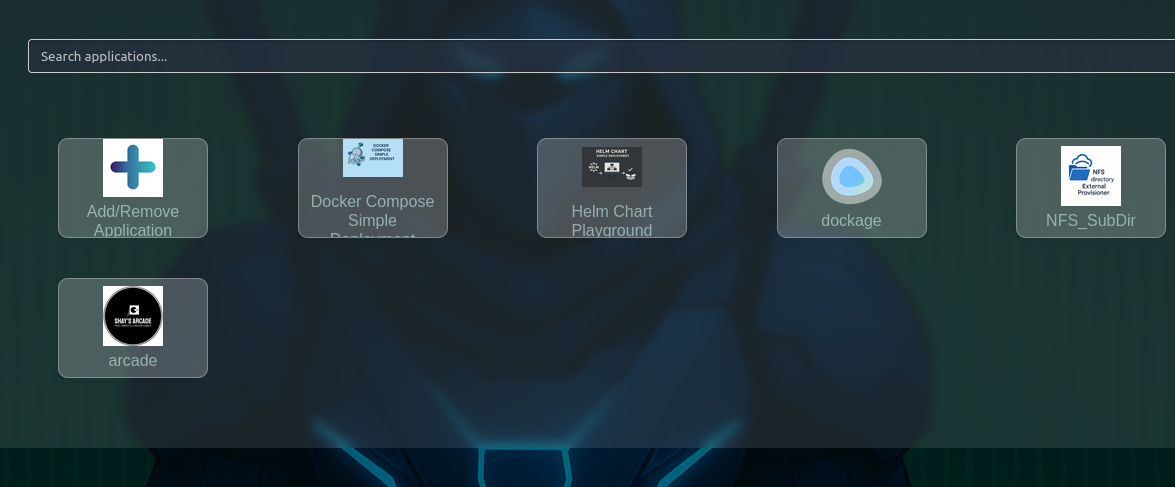
Catalog entries such as Docker Compose and Helm chart deployments are the starting point for most application deployments.
OptimusHub gives teams a self-hosted way to deploy applications, databases, and supporting services in on-premises and air-gapped environments, with controlled access and auditable operations. Deploy onto resources you already have, or let the same platform provision the VMs and Kubernetes clusters first.
Talk to us about your operating environment →An entry from the application, database, or monitoring catalogs, a Helm chart, a Docker Compose definition, or code in your Git service built and delivered through the built-in CI/CD engine.
On Kubernetes clusters with Helm, as Docker containers or Compose stacks on Docker hosts, or as services running directly on Linux machines over SSH. Existing clusters connect with a kubeconfig.
If the target does not exist yet, OptimusHub can provision VMs through your virtualization platform with request and approval, deploy Kubernetes clusters, and install runtimes and tools such as Docker and Helm.
From the catalog in the web interface or the opti CLI, or from a CI/CD pipeline started by a push webhook, pull request, schedule, or another pipeline, optionally behind manual or second-person approval gates.
Live deployment logs, Helm release management, pod exec, node cordon and drain, threshold alerts, and database backup policies, from the same interface that deployed it.
Role-based access control, including namespace-level access on Kubernetes, decides who can deploy where. Every deployment is recorded in the audit trail with its target machine, environment, and Helm release.
Catalog entries such as Docker Compose and Helm chart deployments are the starting point for most application deployments.
We'll help map where OptimusHub fits in your environment and what needs to be prepared.
Talk to us about your operating environment →